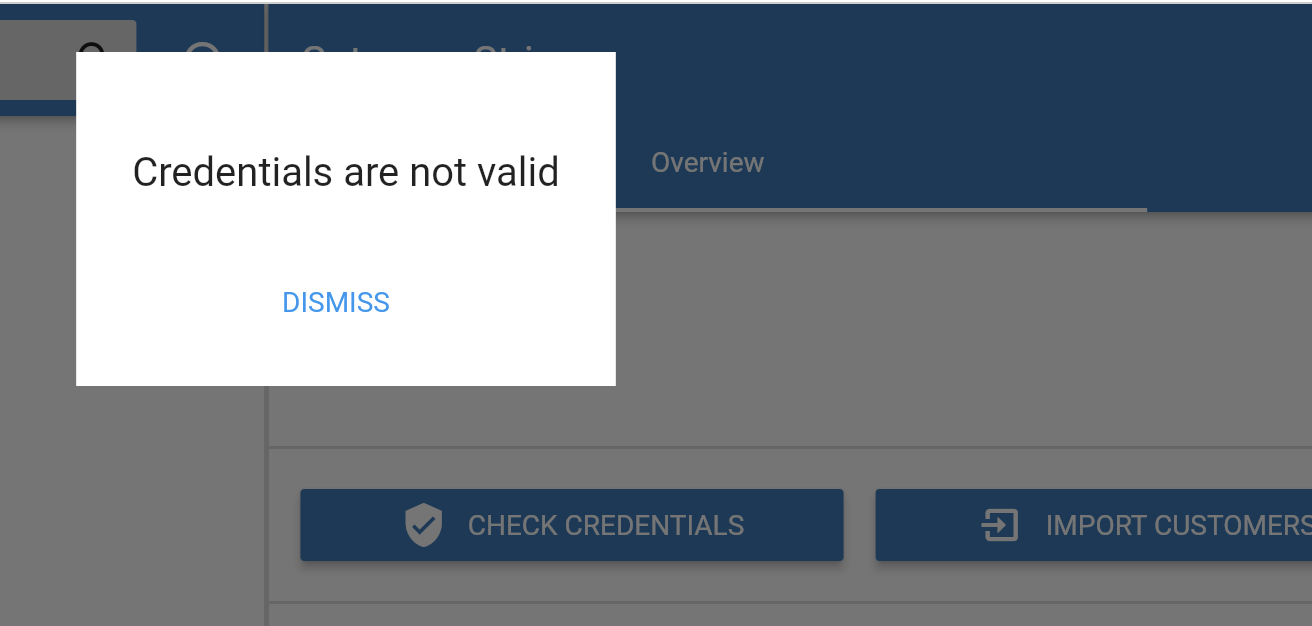
Setup stripe failed

Hello, iam trying to get stripe on mij invoice ninja but evrey time i check the health it failed and i dont get a error


Hi,

The health check won’t show any problems related to Stripe.

It may help to generate new Stripe credentials.

so new Restricted keys then? also for Publishable Key a Restricted key

I suggest trying to regenerate both to see if it helps

nope i did both and it is still saying failed

In Stripe, are you in test mode ?

Hi folks,
I do have the same issue on my self hosted instance of Invoice Ninja.
Created new credentials and IN tells me resistantly that the credentials are wrong. Copy&Paste issues are not possible.
Could it be an API version issue?

It’s possible, a more common explanation is using test credentials with a live account or visa-versa.

It’s been working for a really long time. But now it’s not.
Funny thing is: this is only valid for flutter interface. React interface is working correct.

If you can configure it using one of the apps then it should be set?
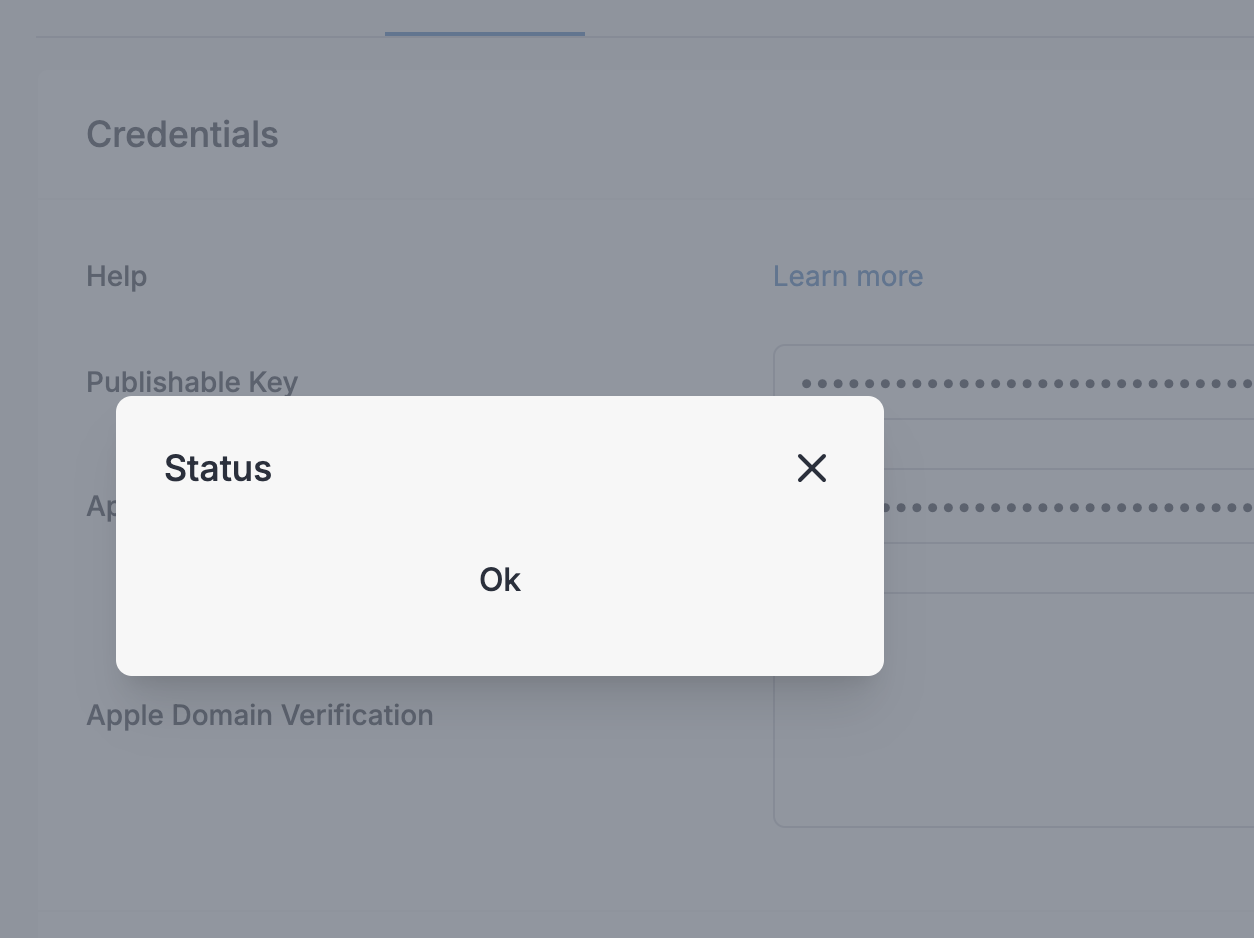
Well, I just tried in React with this result:

An in flutter with this result:

1 Like

Thanks, we’ll look into it

1 Like

… and?

Since Paypal isn’t working, I tried setting up Stripe on self-hosted. Same error as the original poster.

Was this ever resolved? I just setup invoice ninja but self hosted via docker and I’m getting the same issue.

This is all I see for the invoice.

If you see ‘Credentials are not valid’ I suggest trying to create new credentials.

I’ve tried new ones and ones that I know work. The ones I know work I pulled from the invoice system I’m migrating from and it works in that system.

I figured I was missing a step or a setting somewhere.

Are you using the web or desktop app? It may help to try with the other.

I’ve used both the web and desktop app. The desktop is how I was able to get invaled credentials. The web version didn’t say anything but there was an error.

Not sure what to suggest other than trying with new credentials. If there was a problem in the app I assume it would affect all users. Maybe there’s a space at the end when copy/pasting?

Not sure, what else to try. I’ve created several new api keys. I can see InvoiceNinja trying to access the API because I can see activity in the api logs. I’m wondering because I am trying to create a new payment gateway there is an issue.

edit:
I was able to get it to go through using the sandbox testing api keys. It has something to do with the production environment.

1 Like