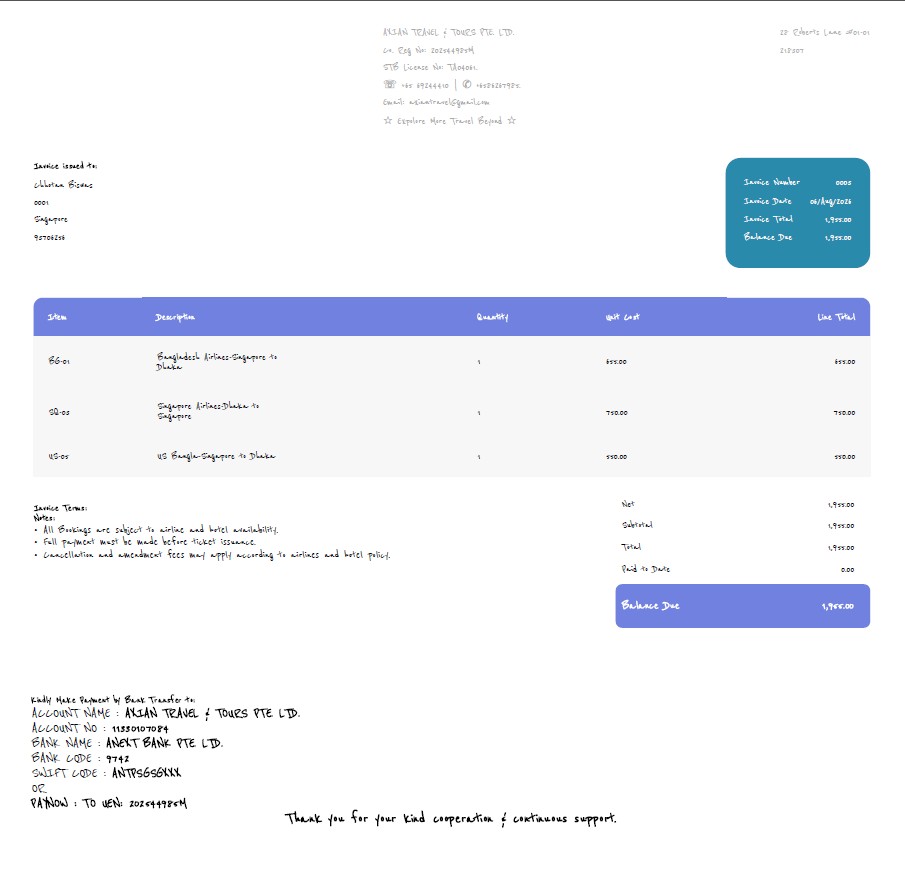
We buy Pro vision of ninja invoice but in invoice our company logo not showing.
Hi,
Does it appear if you select a different invoice design?
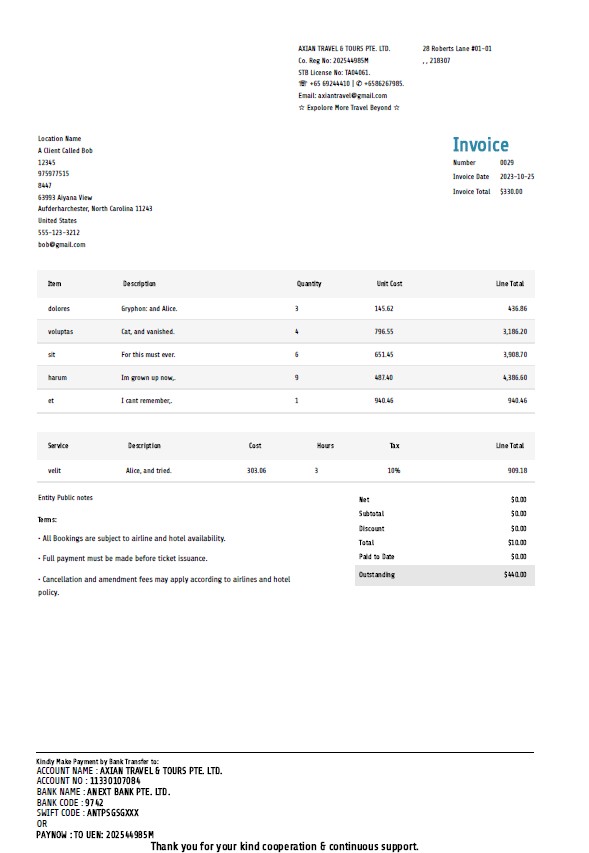
No sir don’t appear even i change different invoice design also.
It may help to add LOCAL_DOWNLOAD=true to the .env file.
How to do that? can you help me to do?
Maybe this AI response will help:
The exact steps will depend on how you are hosting the application, but the .env file is a hidden configuration file located in the root folder of your Invoice Ninja installation.
Here is how you can edit it based on your setup:
If you are using cPanel or a web host:
- Open your hosting control panel’s File Manager.
- Make sure you have “Show Hidden Files” (dotfiles) enabled in the File Manager settings.
- Navigate to the root folder where Invoice Ninja is installed.
- Right-click the
.envfile, select Edit, addLOCAL_DOWNLOAD=trueon a new line at the bottom, and save the file.
If you are using the command line (SSH):
- Navigate to your Invoice Ninja root directory.
- Open the file in a text editor by running:
nano .env - Add
LOCAL_DOWNLOAD=trueon a new line, save, and exit.
If you are using Docker:
- Add the variable to your
envfile. - Restart your containers to apply the changes.
After making the change, it may help to clear the app cache by appending ?clear_cache=true to your URL or running php artisan optimize from the command line.
Let me know if you run into any trouble or if you are using a different hosting setup!
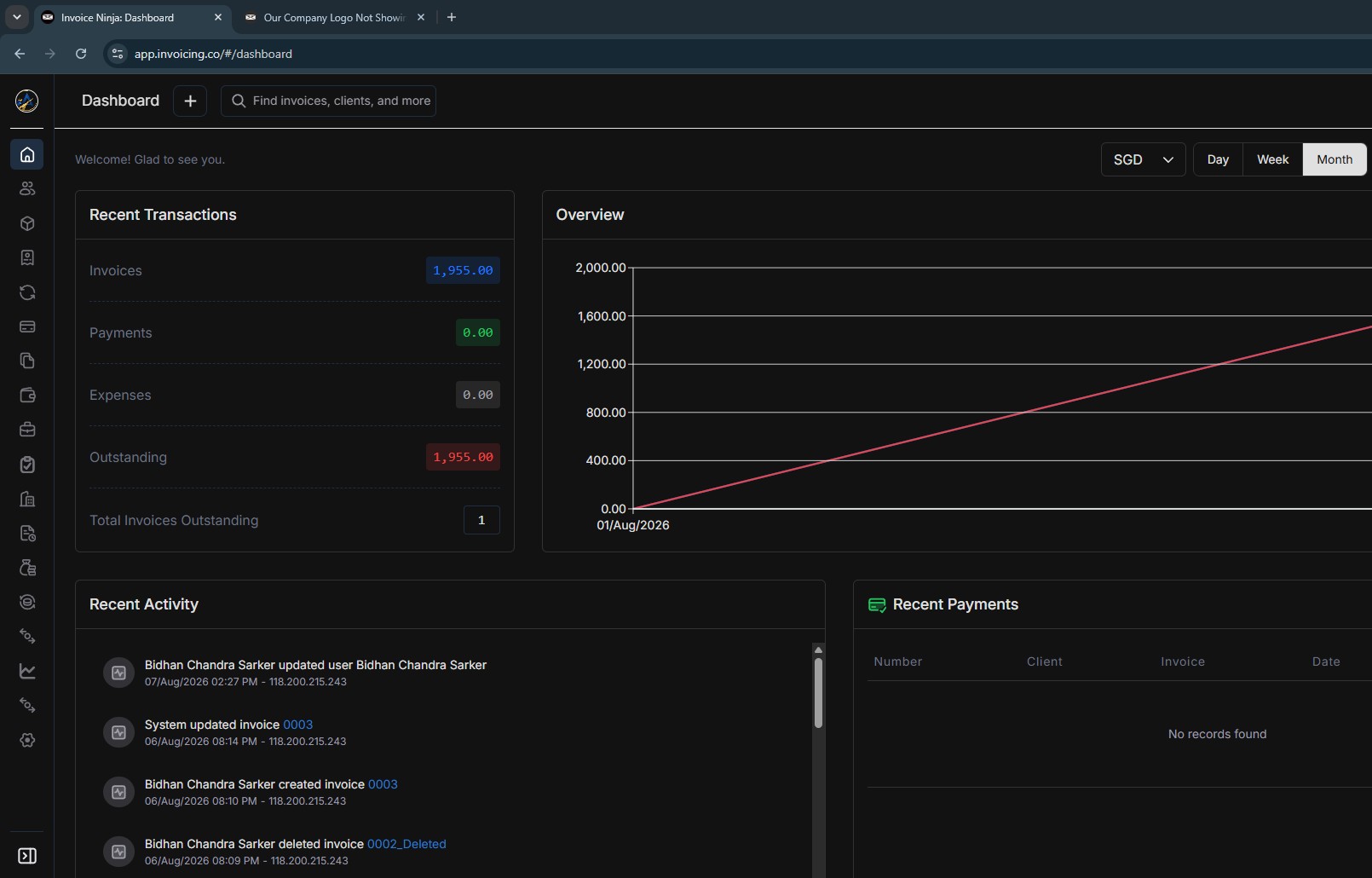
Ah.. the post is tagged as self-hosted but you’re using the hosted platform.
Please send an email to [email protected], they should be able to help.