I have no access on the shared host to the /var/ folder.
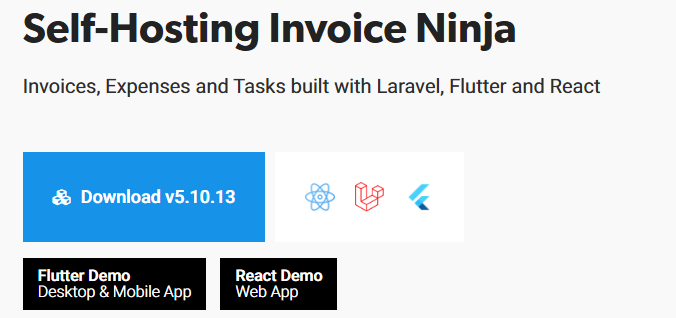
So I decided to download the latest version of InvoiceNinja (Version 5.10.13)
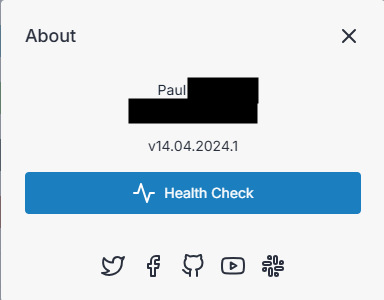
I installed this version but then I saw that it was version 14.04.20024.1
So I was think. Perfect. I wil export the data from the ‘old’ version and import this data to the new version. BUT … There was no way to import the data (.csv files) to the new version.
So I was thinking, is there a way to upgrade the 5.10.11 to the new version (5.10.13 → 14.04.2024.1).
I click update bit after a while this popup shows up :
So now I’m stuck.
How can I install the new version (on a seperate subdomain) and transfer the data from 5.10.11 to the new version. Hopes to solve my problem with the upgrade.
Transfer workt but did not solve my problem. I think it was better to stay with version 4.x. Everything worked perfect and now no automatisch recurring invoices are send. I think I wil install version 4 again and restore a backup (from long ago and add things missing. Loohs like this will take me less time than keep waiting for a solution for version 5 (wander if I’m the only one having this problem).
The only common between my production environment and test environment is the hosting server. I tryed differebnt domains (I have a test domein), different php versions, etc. Both, test and production, not sending automatic recurring invoices. (Mail is working as sending invoices manually is working).
I think I found the problem.
All recurring invoices created with version 14.04 are NOT working. The React theme
Even when switch after creating the recurring invoice in React theme switch to no React theme does not solve the problem.
Recurring invoices (re)created with version 5.10.11 (no react theme) are working.
I’m now in the process off creating all new recurring invoices using 5.10.11. I will do some more testing and let you know.
Just for clarification, version 14.04 is for the react interface, that is not the API version (ex. 5.10.11 or 5.10.13).
If you’re transferring to a new installation, I would recommend copying your public directory as well. That is where your business logo and some other documents are stored. It’s not critical, but I find easier if that’s copied also. Otherwise you might have a few minor errors until you figure out what is missing.
FYI… it may be easier to upload a new logo rather than copy the public folder. The problem with copying the folder is if the URL has changed the old logo won’t work. If you’re using the documents feature I believe the documents are in the storage folder.