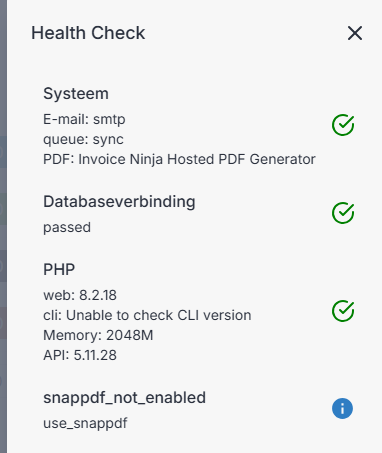
I like to move away from the Shared Hosting to the Hosted version. I have already an account on the hosted solution but for the Export of the Shared Hosted do I need to export every export type one by one and then import them one by one in de hosted environment?
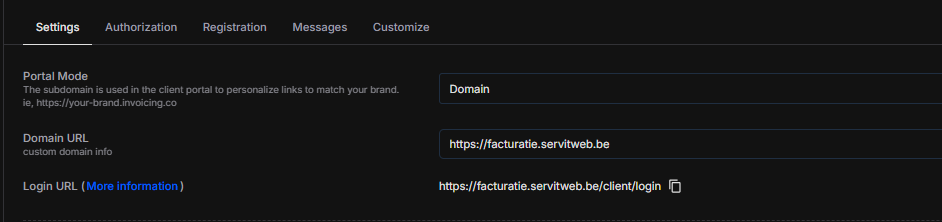
although it seems the restore placed everything back. One more question. what are the DNS settings because on the selfhosted I had my own domainname and in the Pro you have this also.
Because I see when I want to try to login in to the client portal it won’t work. Even password reset won’t work. 9/10 because it is still pointing to the self-hosted website? Although all my other dns records are changed from name to facturatieold.servitweb.be
 and was only seeing import export. So I just to backup and then go to the hosted and there I do Restore.