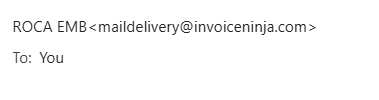
good evening, I was testing how our emails looks and notice after our business name it shows a mail [email protected] how do we disable that so it only shows our business name?
good evening, I was testing how our emails looks and notice after our business name it shows a mail [email protected] how do we disable that so it only shows our business name?
Hi,
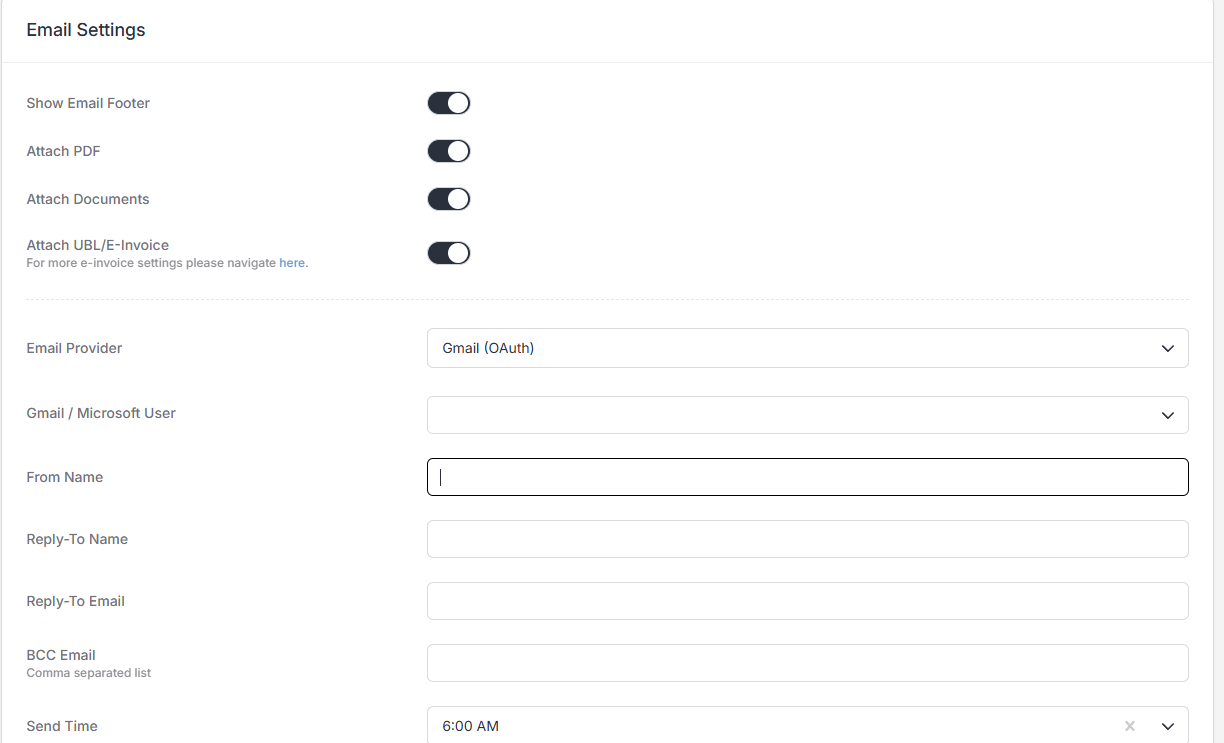
You can configure the app to send from your own email address on Settings > Email Settings.
Do you see any option in the Gmail user dropdown?
You may also need to link your Gmail account on Settings > User Details.
Supported by Invoice Ninja and Event Schedule