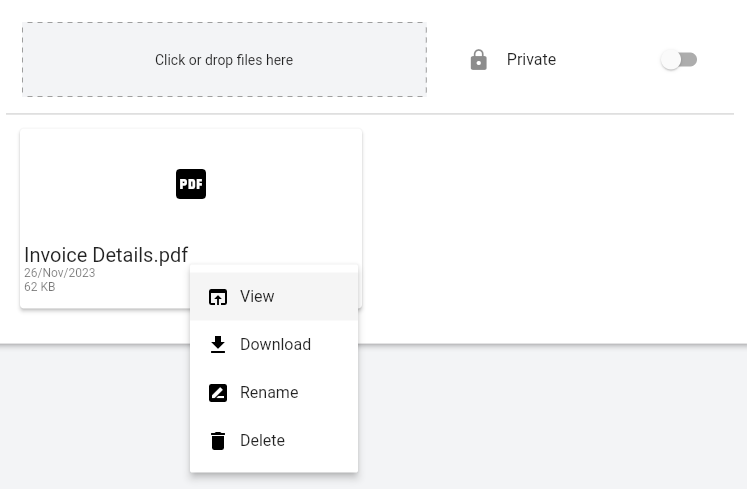
Also when you press the “Private” toggle then save the expense it’s just reverting back to unchecked (not private). Nothing in storage/laravel.log
Already ran php artisan optimize, no difference.
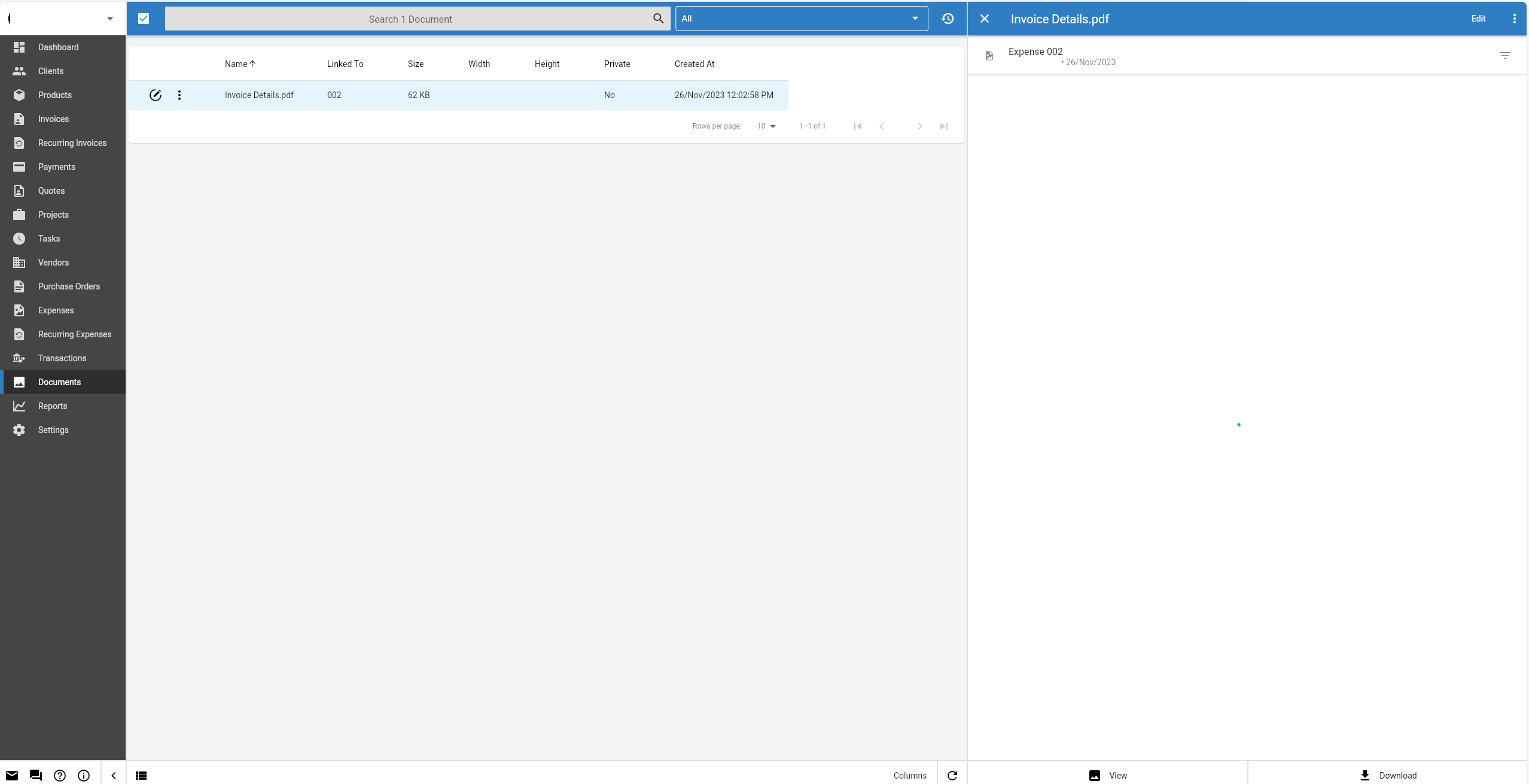
The app is generating invoice PDFs correctly for invoices etc. but the documents is just not working. Also when I go into Documents on the left, and click the document that I uploaded to the expense, it loads infinitely on the right (never shows), and the view/download buttons do nothing.
It’s not a new installation as I have been using it for invoicing for over a year so can’t run php artisan migrate and lose data. Health check shows no errors, and the in app updater was always used successfully for any updates. I also went to [url]/update?secret=[my update secret] after any updates as well.
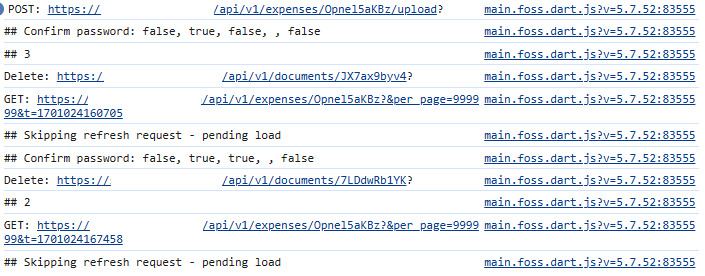
Console shows no issues when uploading or deleting a document
Does the documents table contain an is_private field? If the field is missing it could be explained by the migrations not running. You can call migrate on a production database but you may want to back it up first.
I’m not sure why you’re seeing a 404, can you confirm APP_URL is correct in the .env file. @david do you have any suggestions?
The documents table has is_public column and the value for all rows in that column is 1. There’s no is_private column.
I confirm the APP_URL is set correctly in .env
Also is there a way to make documents uploaded to expenses ‘private’ by default? What does public document in an expense even mean - when I enter the client portal of the client linked to the expense there is no category for expenses under documents.
So if there is no invoice linked to the expense, and you upload document to the expense and leave it as public document, it won’t show up for client - is that correct?
Yes, I verified that it uploaded all my PDFs into the public/storage//documents/.pdf
It uploaded them with permissions as 0664, and directory permissions in the whole invoiceninja install are 0755 (all file permissions outside the files uploaded by the app are 0644)