walid
August 21, 2026, 11:54am
1
I got a mesage at the header saying I can use the web app, or desktop app ..
When I try to try the web app, I click there and I got the following error:
Error: please check that Invoice Ninja v5 is installed on the server
URL: https://mysite/api/v1/accounts/VolejRejNm ?
Response:
403 Forbidden
Forbidden
You don't have permission to access this resource.
Headers: {content-length: 199, content-type: text/html; charset=iso-8859-1, date: Fri, 21 Aug 2026 11:39:33 GMT, server: Apache, strict-transport-security: max-age=63072000; includeSubDomains}}
It is for sure a V5 version, I am the admin!
Any help?
hillel
August 21, 2026, 12:01pm
2
Hi,
There are two web apps, it looks like the app is trying to load the old one.
Was it working before/has anything changed?
walid
August 21, 2026, 12:21pm
3
To be honest, It is the first time I tried this!
I used to have the version 5.12.41, I thought first to upgrade to the lasted version 5.13.33 but I thought moving from a v12 versoin to v13 version may cause some issues; so I upgraded to 5.12.64. When I upgraded, got a white page, so I was obliged to run following SQL UPDATE accounts SET set_react_as_default_ap = 0;
and It worked and the site works again.
Then I said why not try this option! and here goes that error!
In case you need further info, let me know.
Yours,
Walid
hillel
August 21, 2026, 12:26pm
4
Try running this SQL query:
UPDATE accounts SET set_react_as_default_ap = 1;
walid
August 21, 2026, 12:29pm
5
When I run that command, I got a white page:)
so I run the UPDATE accounts SET set_react_as_default_ap = 0;
and the site is back to work:)
hillel
August 21, 2026, 12:35pm
6
A common cause for the white page is installing the zip from GitHub rather than using the release tar (which includes the web app).
walid
August 21, 2026, 12:38pm
7
I am downloading the tarf file (indeed, i downloaded the zip file). Do you think that updating from my current 5.12.64 version to the 5.13.33 version is normal! no need to upgrade to a prior v5.13.* version?
hillel
August 21, 2026, 12:59pm
8
It should be fine, if you have any concerns you may want to make a database backup.
walid
August 21, 2026, 1:11pm
9
I made a copy of the DB and the .env
I am in the process of uploading the whole files into the installation folder. I am using FTP.
This will take some time.
I will let you know about the outcome.
Thank you for your help and time.
Yours,
walid
August 21, 2026, 6:01pm
10
Hi,
I uploaded the files, I got the site runs, I got the login page, but when I put my credentials, I got an “error 500”.
i activated debugging, so I got this "
500: SQLSTATE[42S02]: Base table or view not found: 1146 Table ‘svhrech.passkey_credentials’ doesn’t exist (Connection: mysql, Host: (myhost), Port: 35525, Database: (myDB), SQL: select * from passkey_credentials where passkey_credentials.user_id in (1))
I even run the UPDATE_SECRET url.
Any idea about this?
Thank you
walid
August 21, 2026, 8:33pm
11
I got the site working again, but now I go this issue
when I edit an invoice, then click “save” , i got this error
Error: please check that Invoice Ninja v5 is installed on the server
URL: https://mysite/api/v1/invoices/EKQe1Y0eJY?include=activities.history
Response:
403 Forbidden
Forbidden
You don't have permission to access this resource.
Headers: {content-length: 199, content-type: text/html; charset=iso-8859-1, date: Fri, 21 Aug 2026 20:29:54 GMT, server: Apache, strict-transport-security: max-age=63072000; includeSubDomains}}
How come that V5 is installed, and the system asks to check if v5 is installed!
P.S: I found that this “save” issue is only with existing invoices, products, users, ec.. but if create new ones, “save” button works perfectly.
Thank you
hillel
August 22, 2026, 5:54pm
12
What is set_react_as_default_ap currently set to?
walid
August 22, 2026, 7:48pm
13
It was 0.
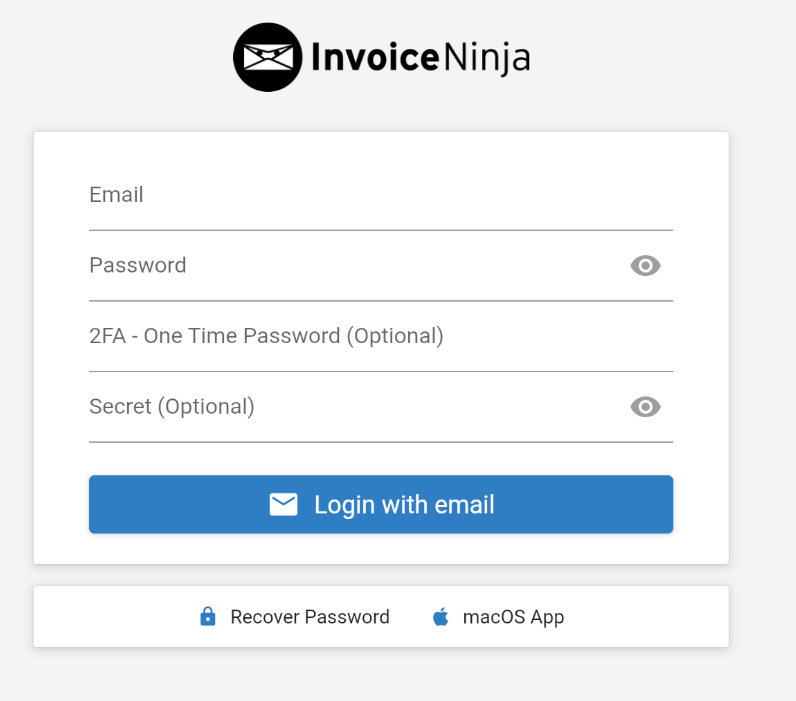
when it was 0; I had this login page
I changed it to 1,
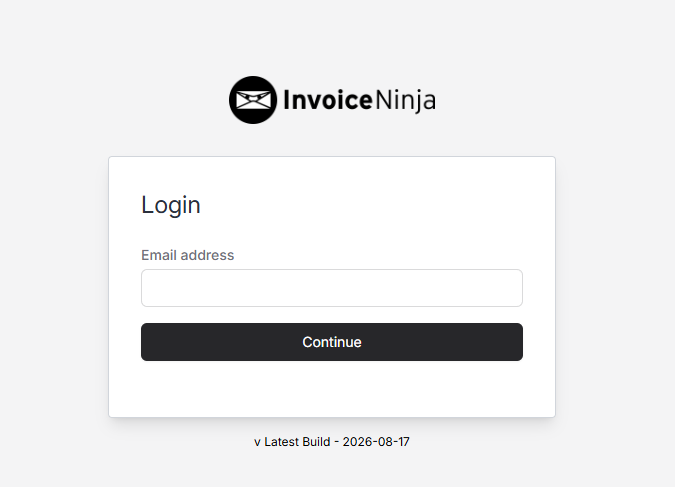
I got this login page
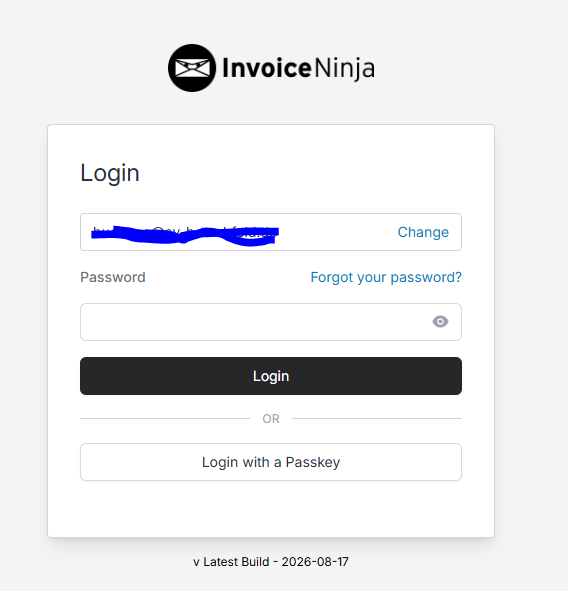
after entering the email and click continue, i got this
then I got a different admin interface.
So, when it is set to 0, i have an interface, then if it is set to 1, i get another interface.
But when set to 1, all is working fine.
I have no idea of the difference, but i seems that with 1; it works fine!
1 Like
hillel
August 22, 2026, 10:10pm
14
1 is the correct setting, it enables the new React web app.