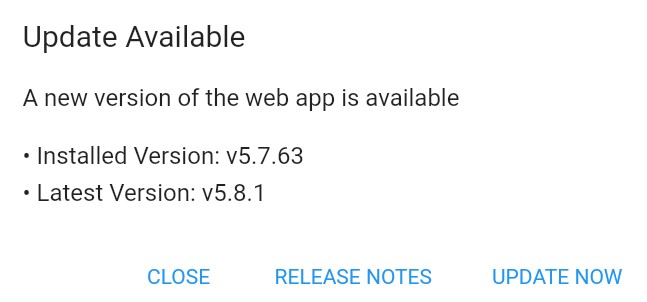
I should have said how to reproduce it, sorry - I clicked the blue warning triangle in the bottom left corner, then “Update now” then the password of the main admin user.
The instructions say to run the cron as the web user, but I tried running the cron as root anyway and the error message changed to a long string like this:
500: Cannot update system because 64c08d… is not writable
I did try manually updating by unzipping the latest version and one of the puzzling things is I still see an update notice, but only about the web app.
I’m not sure how the database gets updated if I just unzip things (newbie here, trying it out for the first time so a certain amount of ignorance is to be expected!).
Update: This has come around to bite me again, following an upgrade to PHP8.4. I found the cause and the solution so I’m recording it here.
The /storage/logs/invoiceninja.log file revealed the problem, once I found it. The “php” in question was a symlink from /bin/php in Laravel to /bin/php on the server. It’s not needed (and in any case I’m running OpenLiteSpeed) and I certainly don’t want to make that destination writeable so I just deleted the symlink. Arguably that’s a bug in the InvoiceNinja updater.
It was still failing however, and it turned out to be a folder /cgi-bin full of symlinks. Again, it’s not needed but this time I couldn’t delete it because the immutable bit was set on the symlinks. Using chattr -i to reset the immutable bits fixed that.